
STUDS
 STUDS
STUDSTurn your model into a brick set. Work offline.
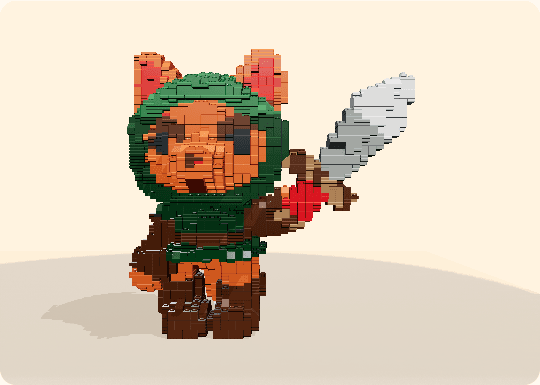
Turn a model from your game, film or artwork into a brick set, entirely on your device. No AI translation, no cloud processing and no server saves. Choose the detail, refine every piece in the built-in editor, then export the parts and instructions.
In development. No public release date yet.
What it does
Import, refine and export. All locally.
Import
GLB, GLTF, OBJ, STL, FBX, PLY, 3MF or DAE, straight from your project. Everything stays on your machine.
Shape
Choose the detail and the surface style, then recolor, replace or remove pieces by symmetry, by column, or by matching part and color.
Build
A parts list, supplier exports, and illustrated instructions you can print, for a set made from your game.
In detail
Start with your model
A character you already know.
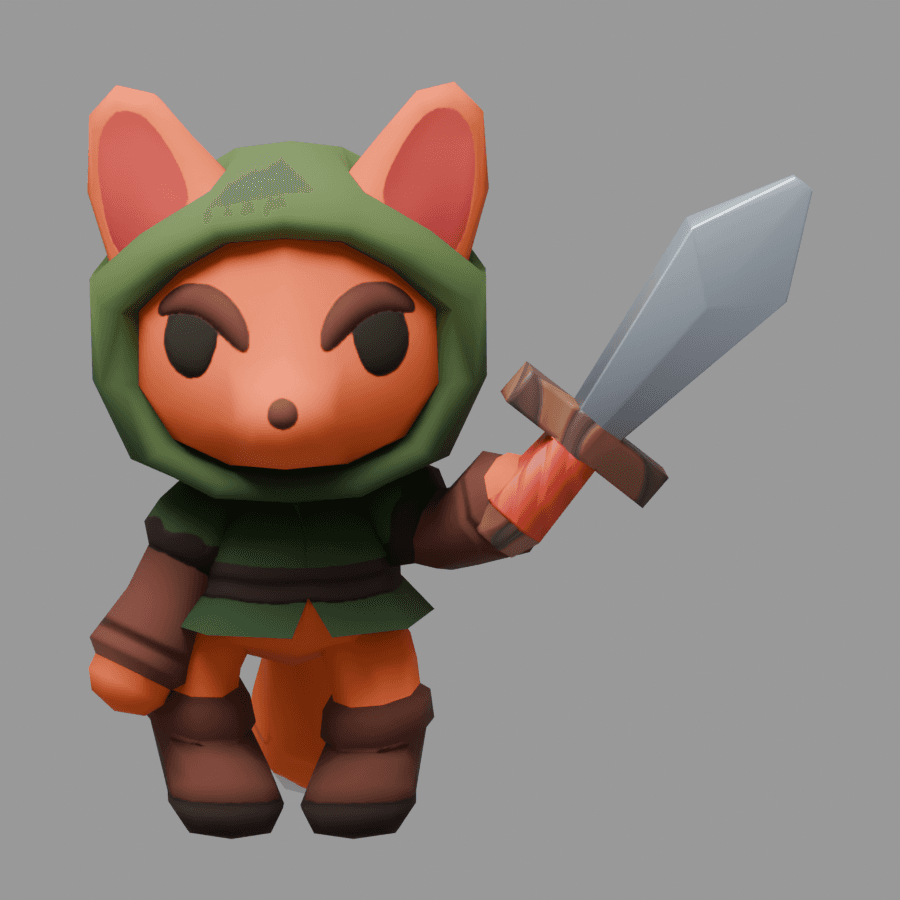
Little Fox begins as an ordinary colored 3D model. Import a model from your own project to start a set.
Import and find the build
Your model becomes your starting point.
Open a model and its textures together. Rotate it, choose a size and surface style, then generate a brick interpretation. The conversion runs locally, without an AI service or a model upload.
View the import window larger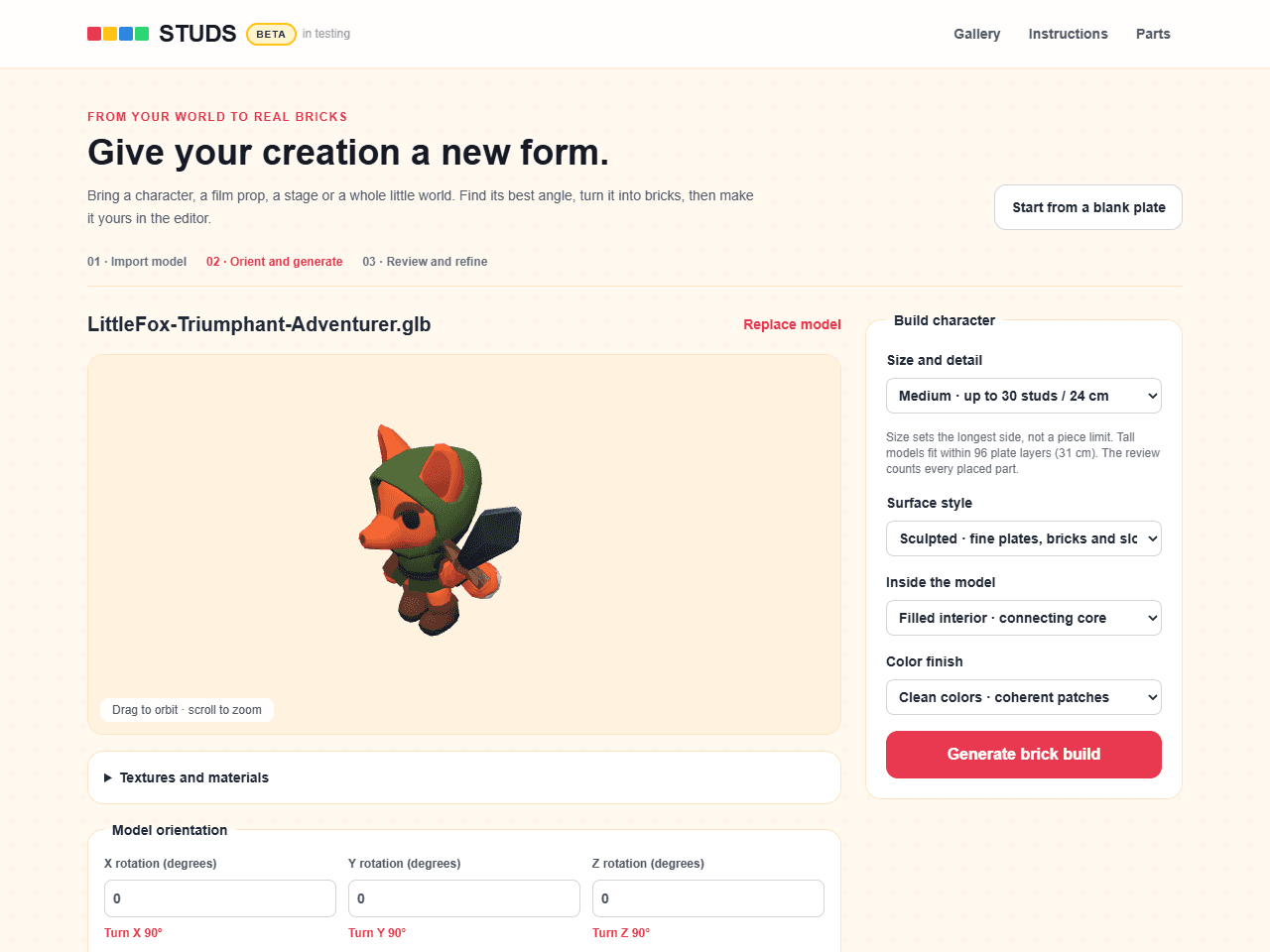
A full editor, right alongside
Make it yours, piece by piece.
The generated build is a starting point. Zoom in and select a piece to change its color or shape. Replace or remove matching pieces together, work by layer and undo your edits. Builds are saved on this device.
View the editor larger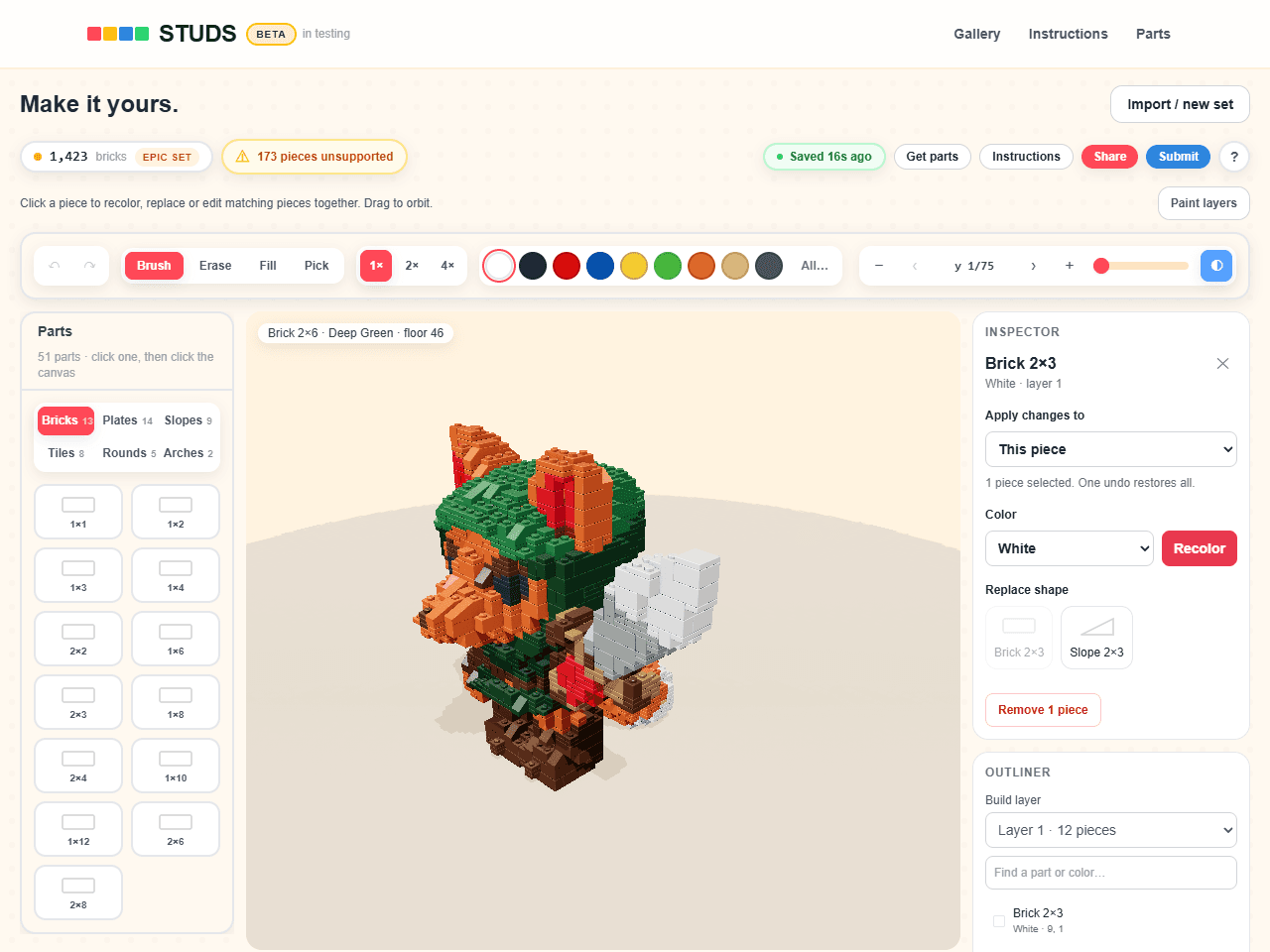
Instructions for the build
See what goes where.
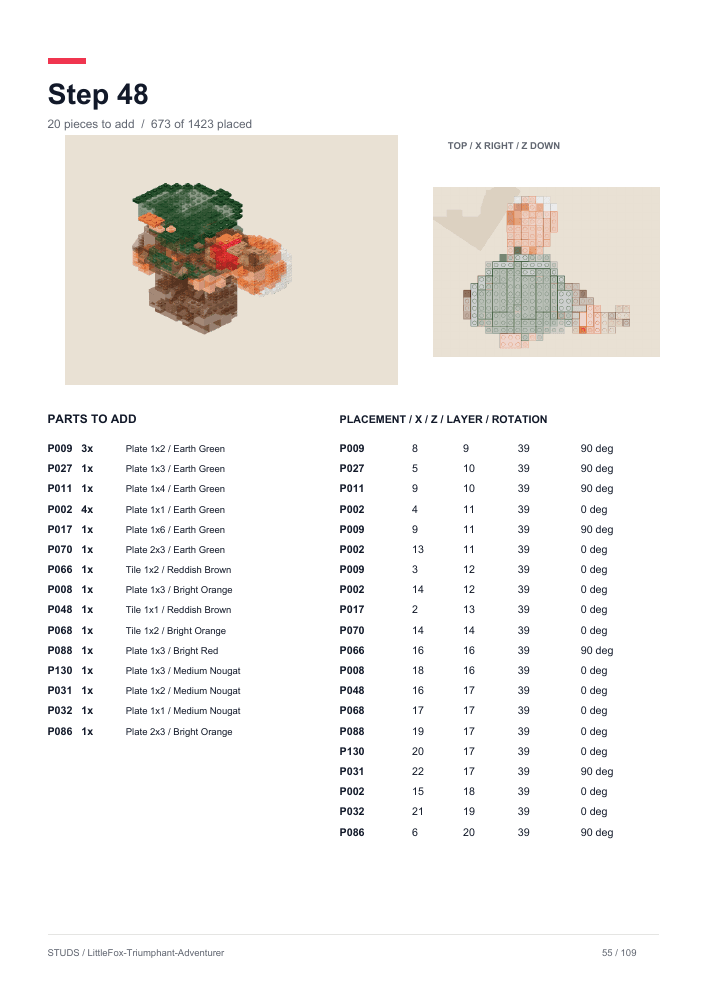
Export illustrated steps and a parts list. Each step shows the pieces you need and where they fit.
What it will not do
Sell you bricks
STUDS designs the set and gives you the parts list. Physical bricks are purchased separately.
A public download today
STUDS is still in development. There is no beta signup or announced release date.
Questions we get
- Can I work offline?
- Yes. Once the app and the tools you need have loaded, model conversion, editing and exports run on your device. Your models and saved builds stay local; they are never uploaded for processing or storage.
STUDS, again
In development. No public release date yet.