
Goldwing Media Player
 Goldwing Media Player
Put a disc in. It plays.
Films, music, and compatible Windows game discs. Put a supported disc in: the picture comes up and the sound plays. Goldwing plays unprotected discs you own and compatible We the Indies discs, including Rialto 1.5 builds.
Download
Download for Windows (1.0.3)Windows 10 (1809 or later) or 11, 64-bit. For physical discs, use an internal or external disc drive. Folders and disc images play without one. Browse disc drives.
The Windows installer is code-signed by We The Indies, LLC.
Windows SmartScreen may pause on a new installer while it gains a reputation. Check that the publisher is We The Indies, LLC and that the SHA-256 matches the download shown here. If Windows blocks it, inspect More info and proceed only after those checks.
SHA-256:103a68ea1804e79420b165171f7cf25638e5fc1aa34f2bc15cea4858a1389124
The source is public under the GPL: where to find it.
What it does
A film, an album, a game. One window.
Films with their menus
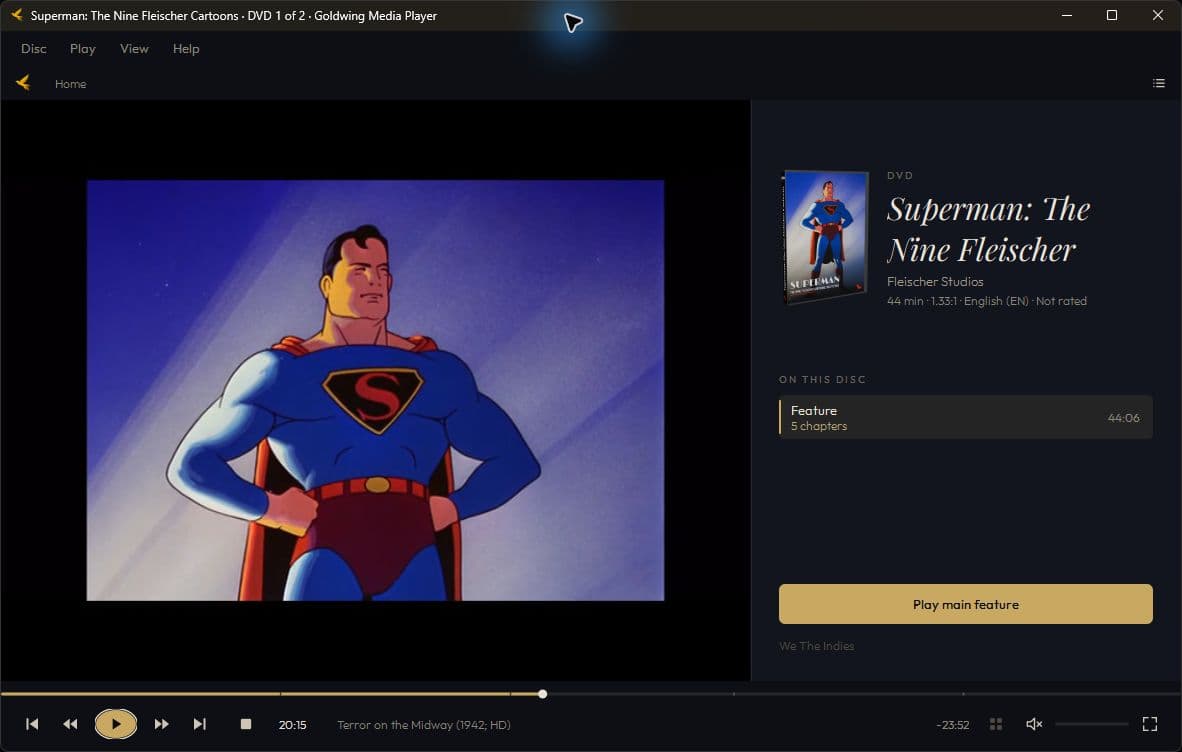
Unprotected DVDs and Blu-rays play with chapters and supported menus. HDMV menus work; BD-J menus do not. Choose Play main feature when you want to skip the menu.
Albums with their track names
Audio CDs show CD-TEXT when the disc carries it. Skip, scrub, and repeat. Goldwing does not look anything up online.
Windows games from their own menu
Compatible We the Indies and Rialto discs open their launcher for play, extras, and installation. Goldwing runs Windows game launchers; it does not emulate consoles.
In detail
DVD playback
The picture, playing from the disc.
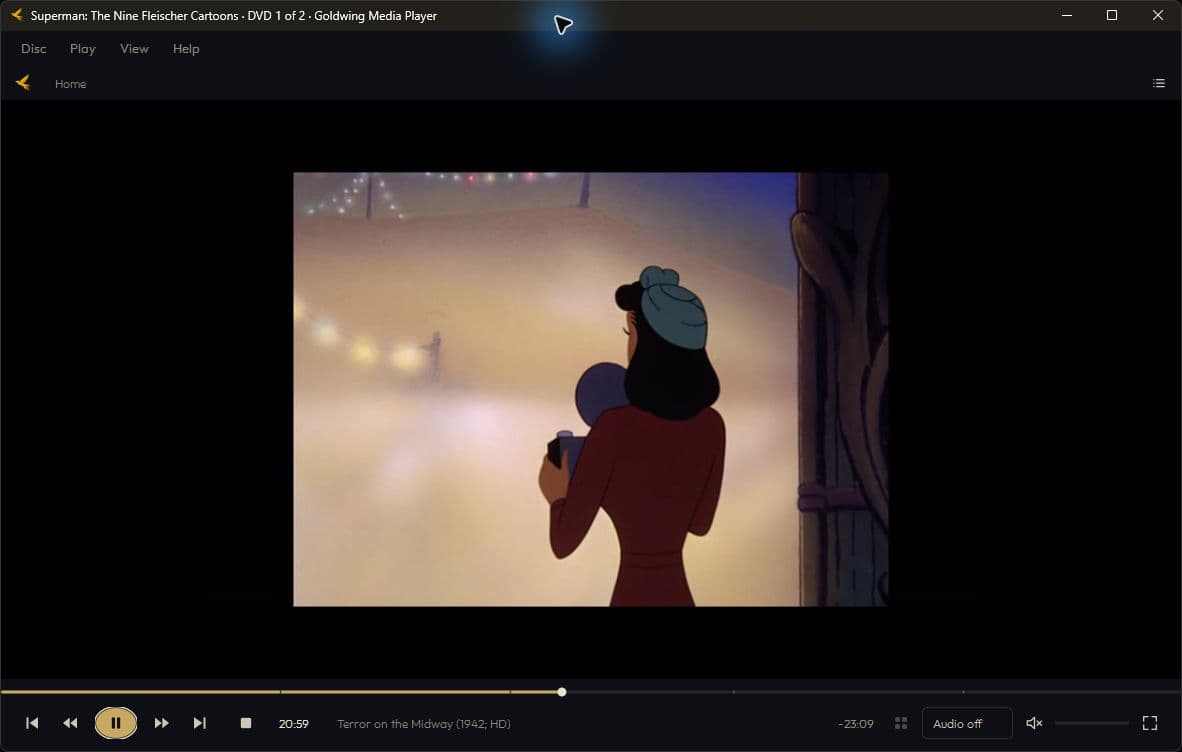
Open an unprotected DVD and Goldwing plays the film. Controls stay available when you need them.
VLC playback
Established playback technology.
Goldwing uses VLC's libVLC playback engine. The Windows installer includes its playback libraries, so you do not need a separate VLC or Python installation. The source is free software under GPL v3 or later.
Your shelf
The copies you already keep.
Add a folder laid out like a disc. It stays under the drives, and a film, album, or game opens from that copy.
The menus the disc already had
Arrow keys, a pointer, or a gamepad.
Goldwing keeps the disc's menu. Choose Play main feature when you want to go straight in.
An album with its names on
From the disc, not from the net.
CD-TEXT supplies the track titles. A disc without it shows numbered tracks.
A twenty-year-old disc still opens
Data discs, images, folders.
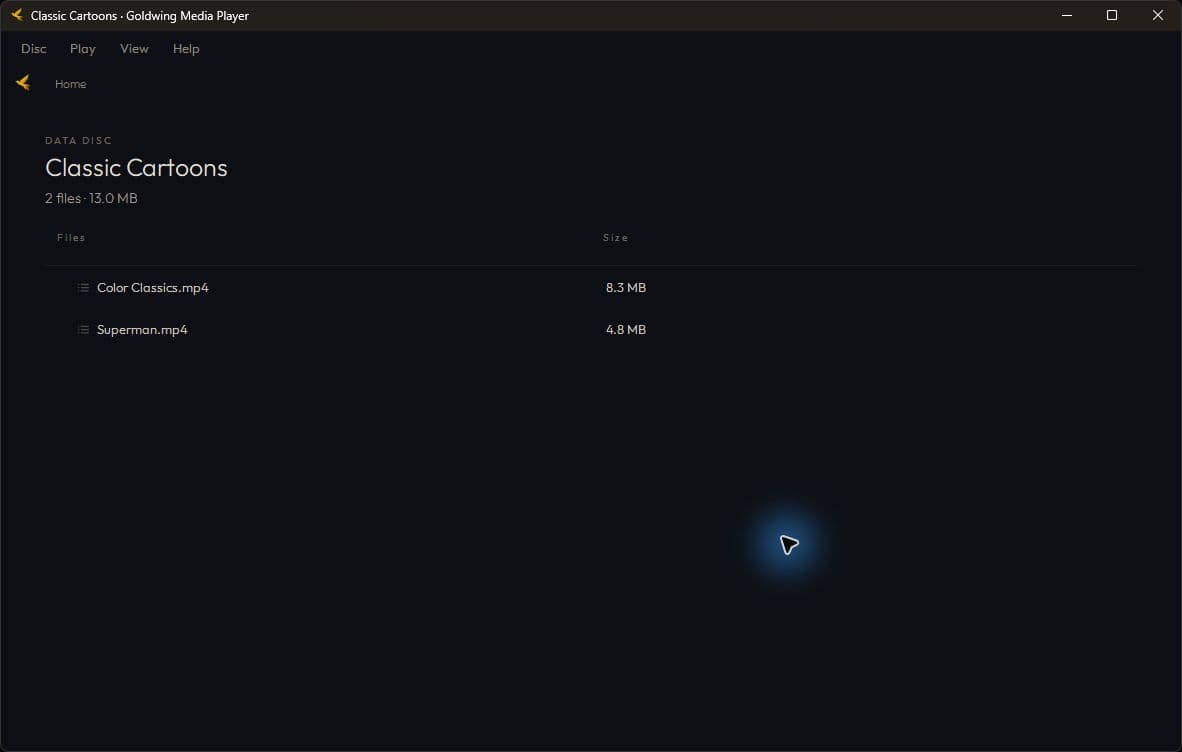
A data disc opens as a file tree. Double-click a file for Windows, or open an ISO or BDMV folder as a disc.
Nothing here needs an account
Playback never asks.
Playback works offline and does not phone home. Check Help when you choose to look for a newer build.
Mac and Linux
Planned versions.
Mac and Linux versions are planned. This download is for Windows.
What it will not do
Commercial discs with protection
AACS Blu-rays and CSS DVDs do not play. Goldwing has no lock-breaker. Home-made and unprotected discs play today; licensed protected-disc playback remains future work.
Game updates
Supported Rialto games handle updates from their own disc menu when you choose. Goldwing opens the launcher; it does not manage game updates.
Requirements
- Windows
- 10 (1809 or later) or 11, 64-bit
- A drive
- An internal or external CD, DVD or Blu-ray disk drive for physical discs. Folders and images play without a drive.
- The source
- GPL v3. Published with every build.
Keep the game going.
Goldwing plays the disc. Games with updates or Cloud Saving turned on offer them from their own menu.
Questions we get
- Does it need the internet?
- No. Never to play. The only time it talks to us is if you open Help and ask for a newer build.
- Will it play the DVD I bought at a shop?
- An unprotected DVD can play. A CSS-protected DVD cannot. Official licensing is a future plan, not a feature in this release.
- Where is the source?
- Beside every build, under the GPL. If you improve the player, send your change back.