
Rialto Disc Maker
 Rialto Disc Maker
Point Rialto at a game folder. Out comes a disc.
Pick your game folder, fill in a title, click Build. Rialto makes the installer, the disc menu and the disc image. Free, and the same tool we use on our own bench.
Download Rialto 1.5.1
Download Rialto 1.5.1- Windows 10 and 11, 64-bit
- 74 MB
- Nothing else to install
Download, install, open. No administrator prompt.
SHA-256 of Rialto-1.5.1-Setup.exe:cdcb264b2c2de3d2386876166d30dcd7f0a609d3cbb112c0eb2451241413ef44
Or on GitHub:
The GitHub page has the release notes, the source and a portable zip.
Free and open source. MIT license.
How it goes
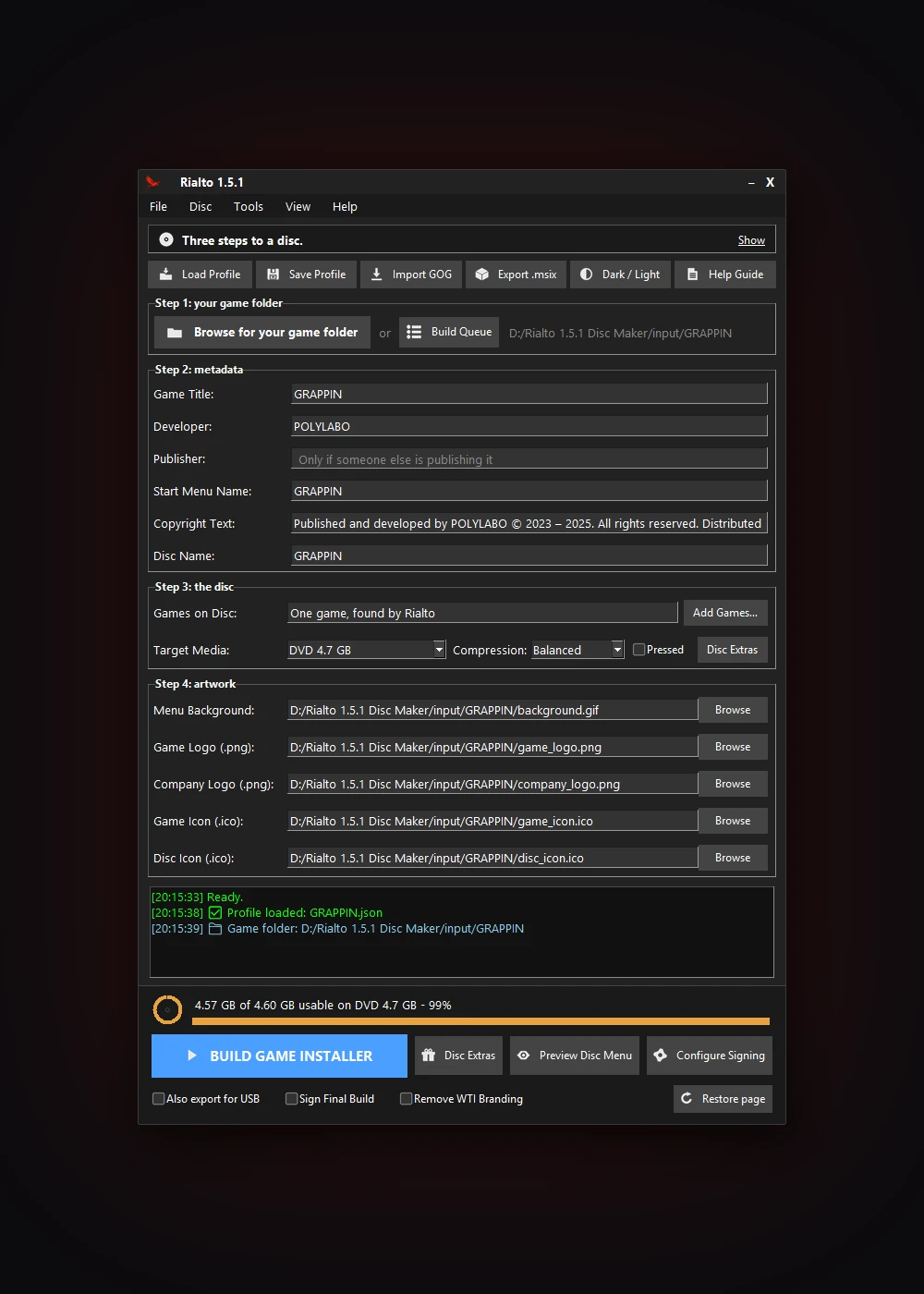
Three steps, then a disc.
1. Pick the folder
Your finished Windows game, as it is. Rialto finds the exe.
2. Fill in the form
Title, art, music and extras if you have any. Preview the menu.
3. Build
An installer, the disc menu and a disc image. Write it yourself or send it to a factory.
Everything in Rialto 1.5.1
New in 1.5.1
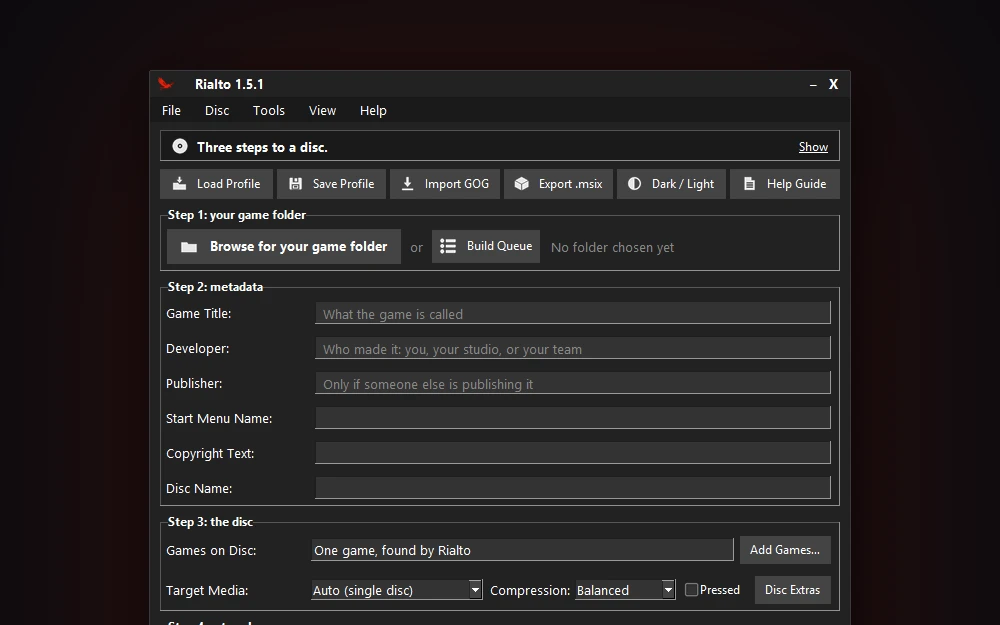
Download, install, open
Run the installer and Rialto opens, ready to build. No administrator prompt, and nothing else to install.
New in 1.5.1
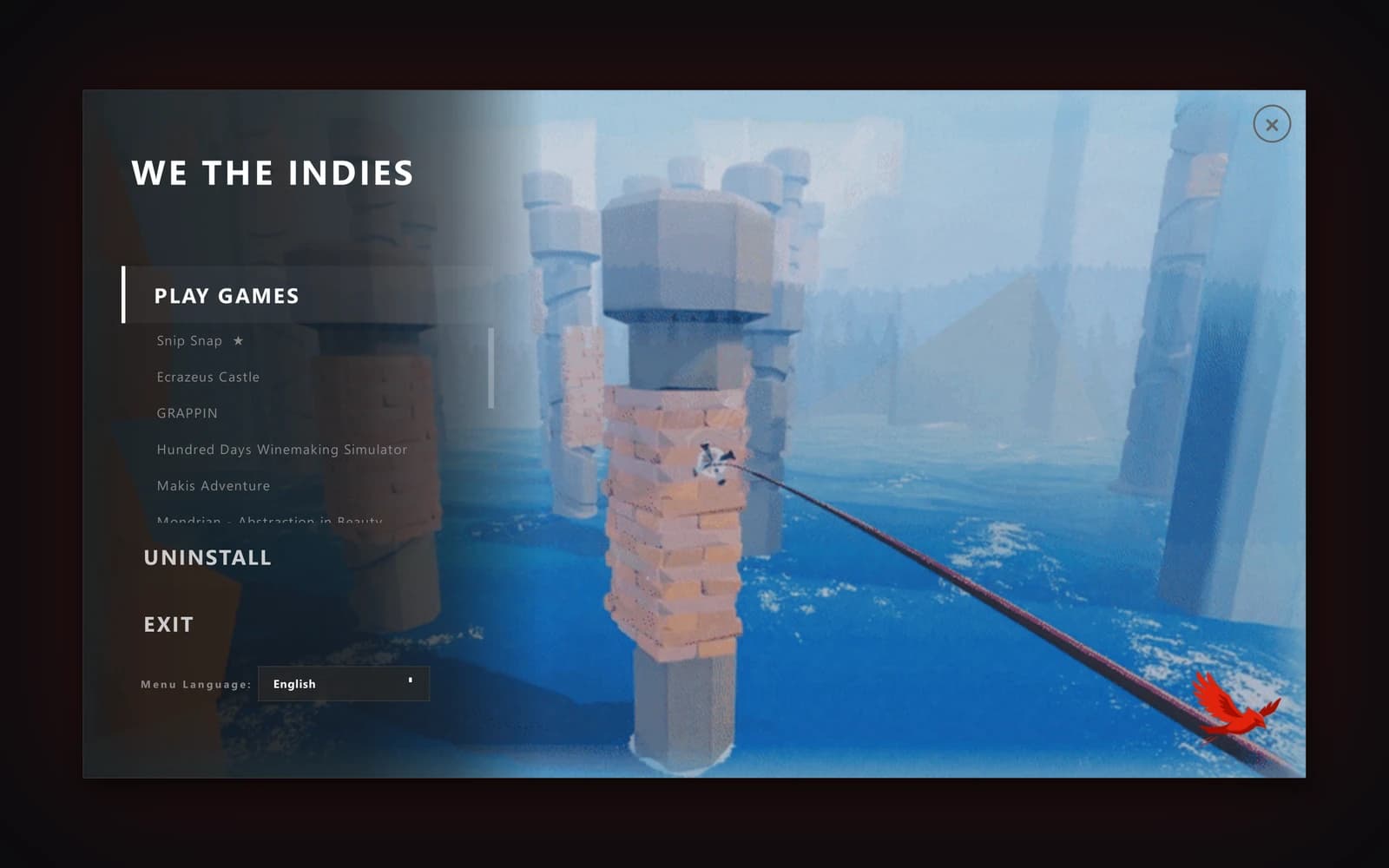
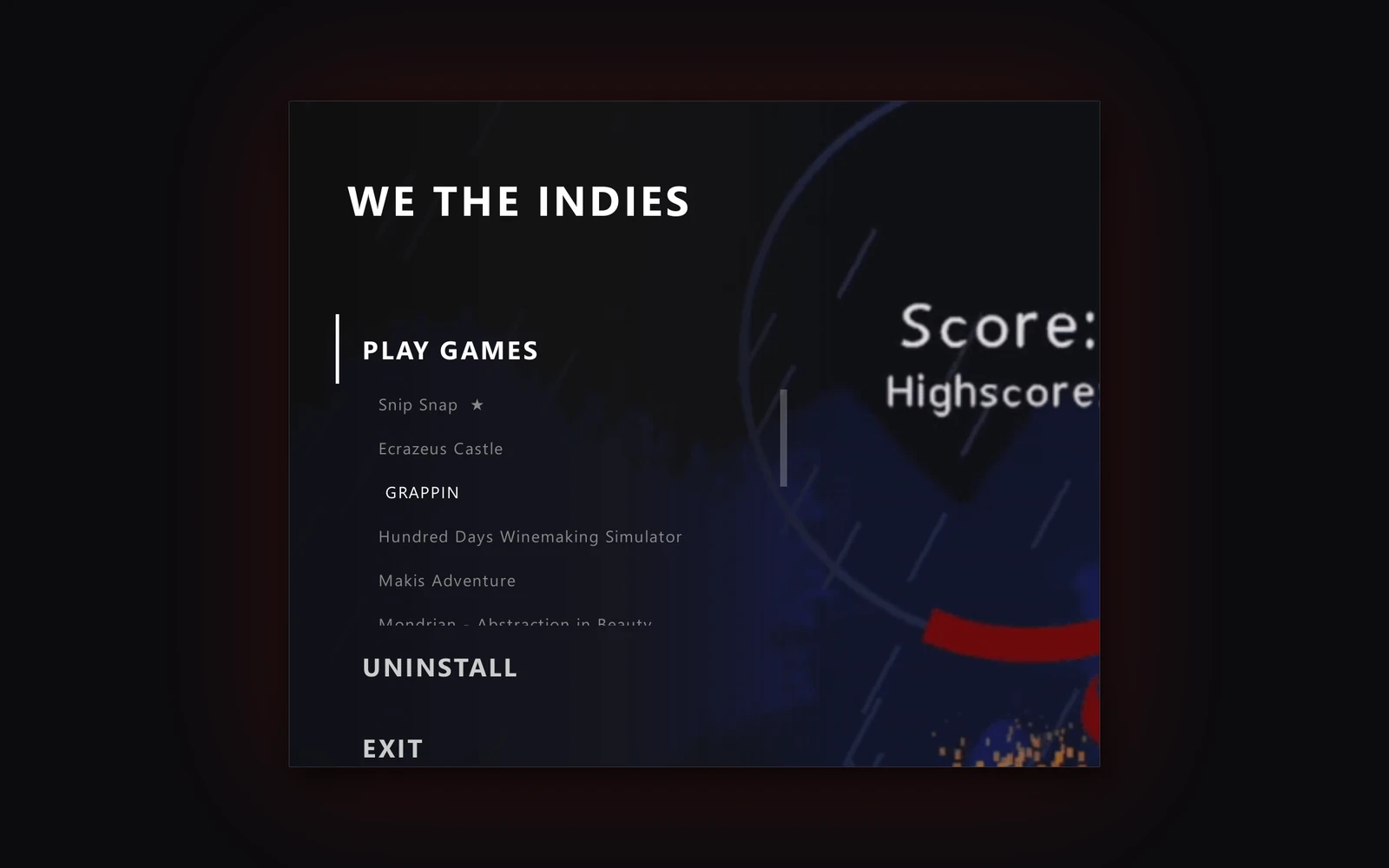
A disc full of games
Put each game in its own folder. The disc menu lists every game under Play Games, A to Z. One click starts any game.
New in 1.5.1
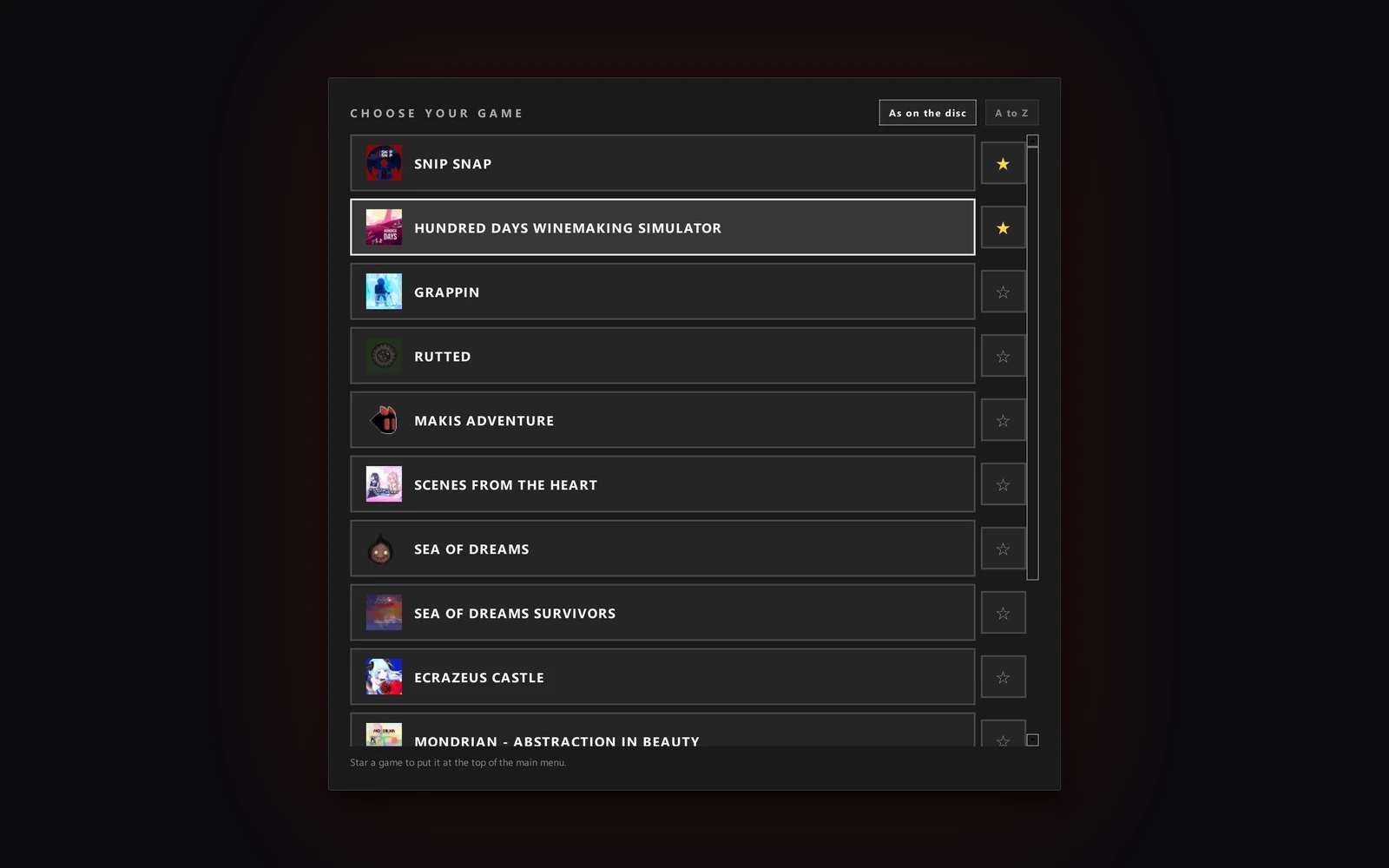
The Choose Your Game page
Each game's picture and a line about it. Star a favorite and it moves to the top.
New in 1.5.1
Play with a controller
The disc menu works with any Xbox-style pad, or a pad switched to its Xbox mode. Move with the D-pad or the stick, choose with A, back out with B, and star a game with Y.
New in 1.5.1
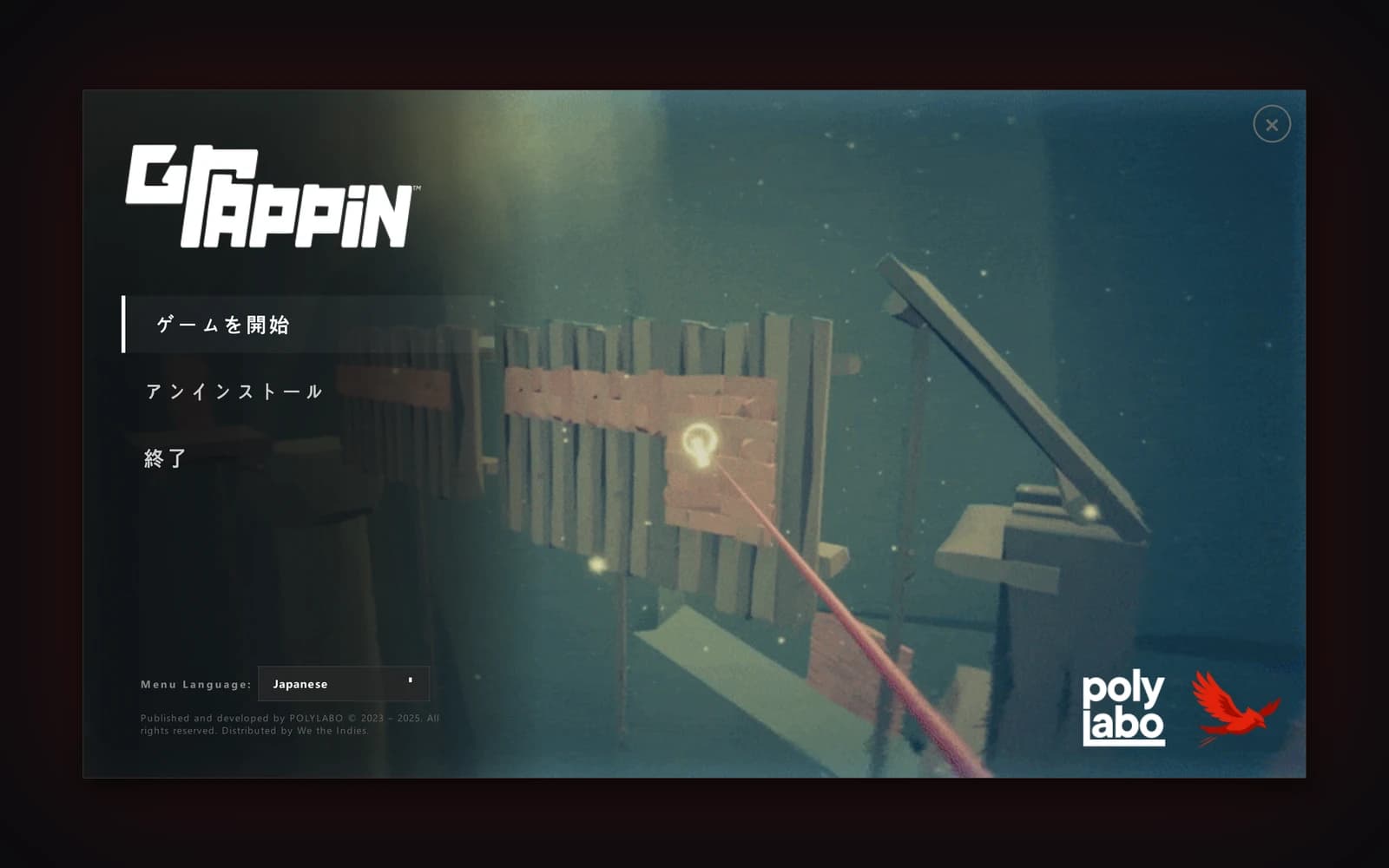
The disc menu in 34 languages
Every label, popup and button is translated, and the menu remembers the player's choice.
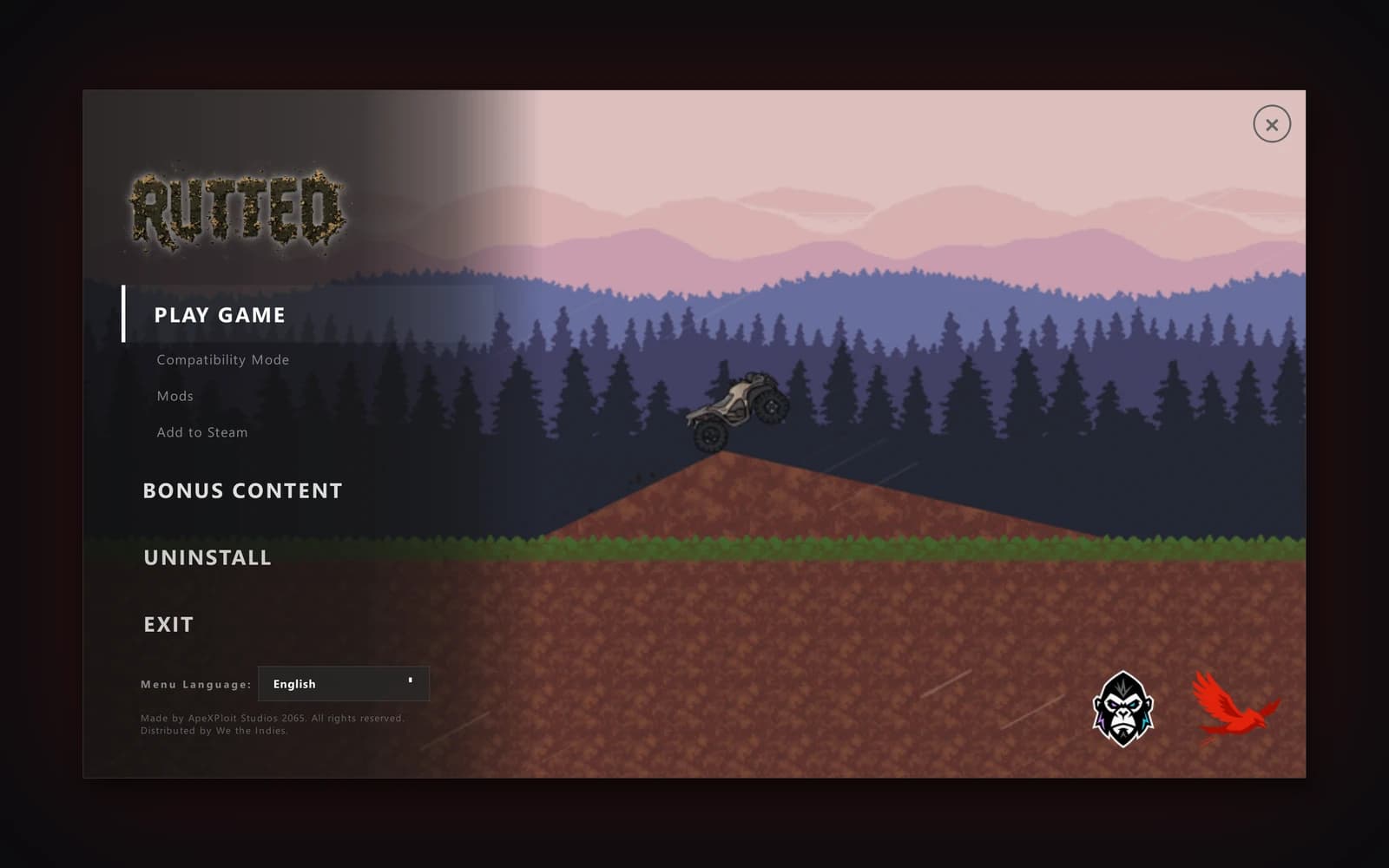
Preview before you build
See the real disc menu and click through it before you build.
New in 1.5.1
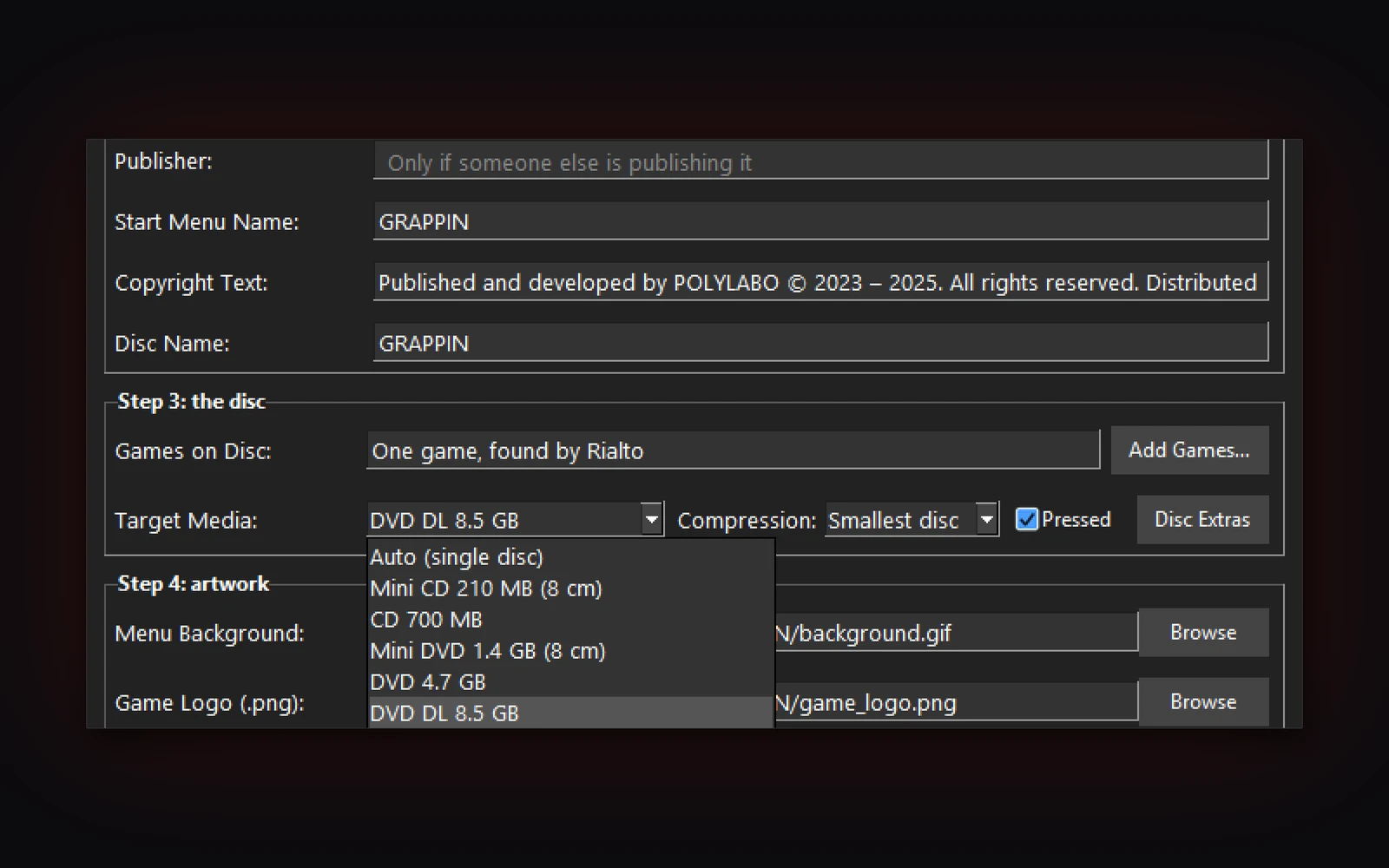
The disc you need
CD, DVD, Blu-ray, M-DISC, and now Mini CD and Mini DVD. Rialto tells you which disc your game fits.
New in 1.5.1
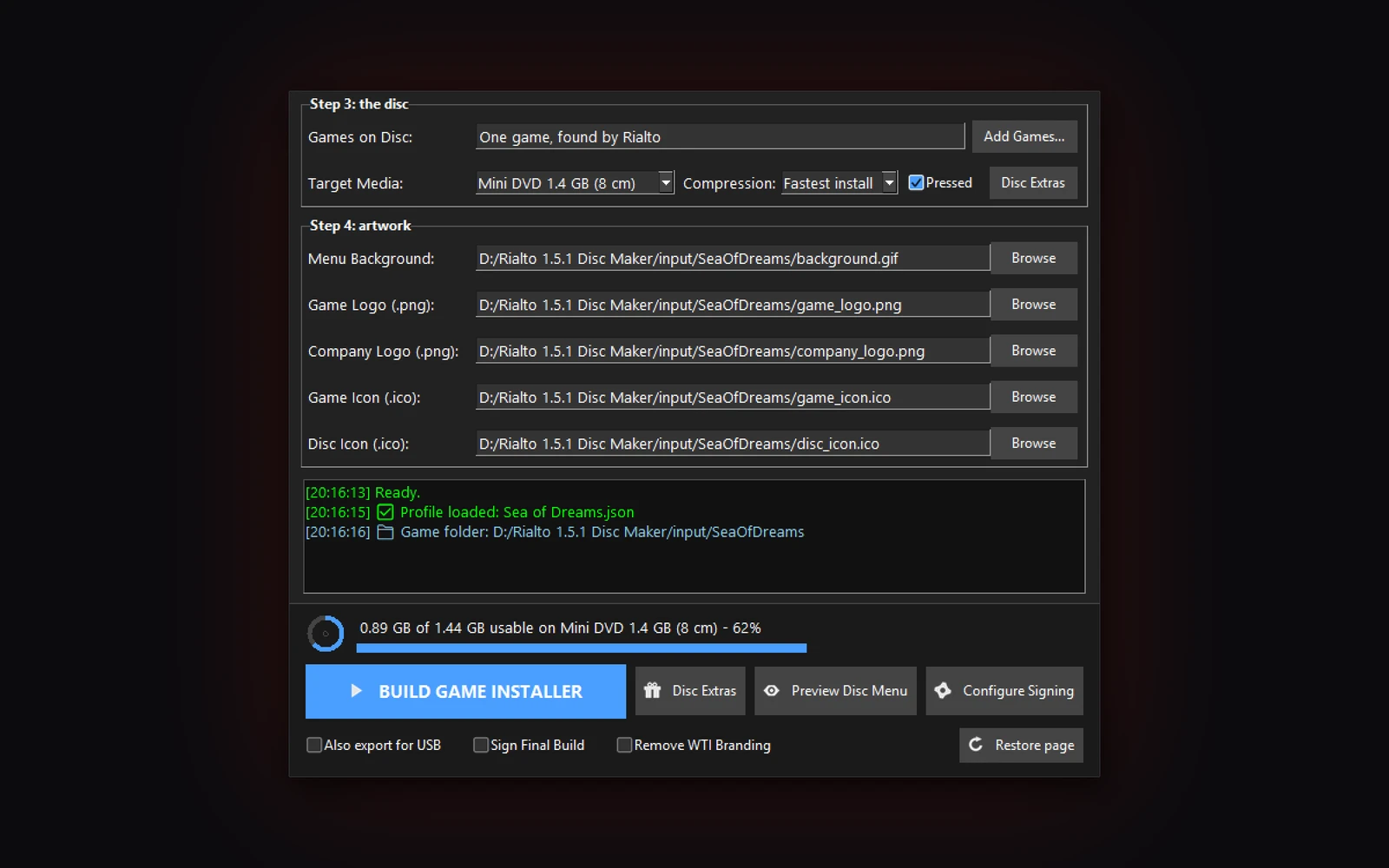
Pressed discs
Tick Pressed for a factory run. Rialto writes the checksum file, the master sheet and the dual-layer break. CD and DVD only.
New in 1.5.1
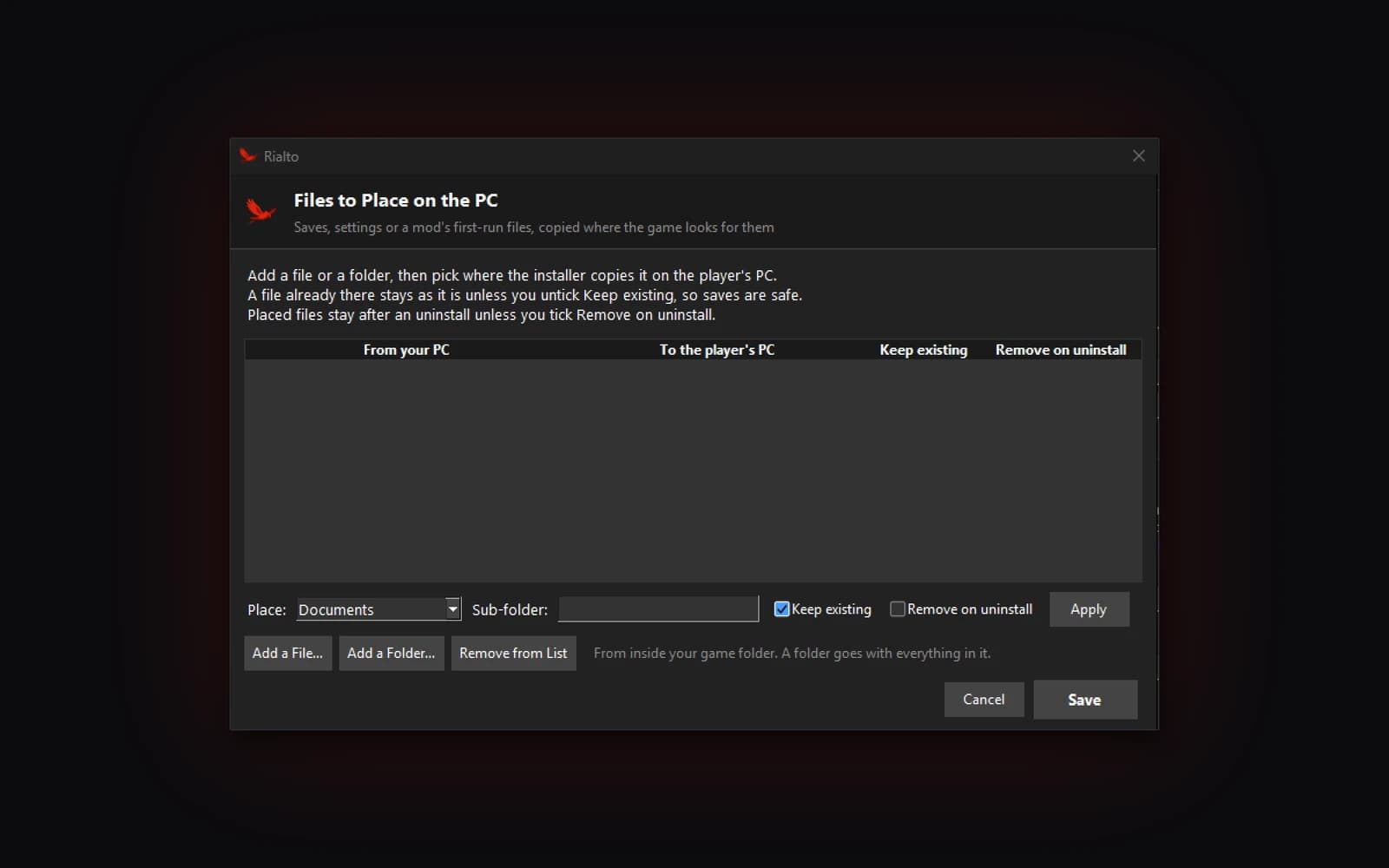
Files on the player's PC
Copy saves, settings or mod files to Documents, Saved Games, AppData or the install folder. A player's own files are never replaced unless you say so.
New in 1.5.1
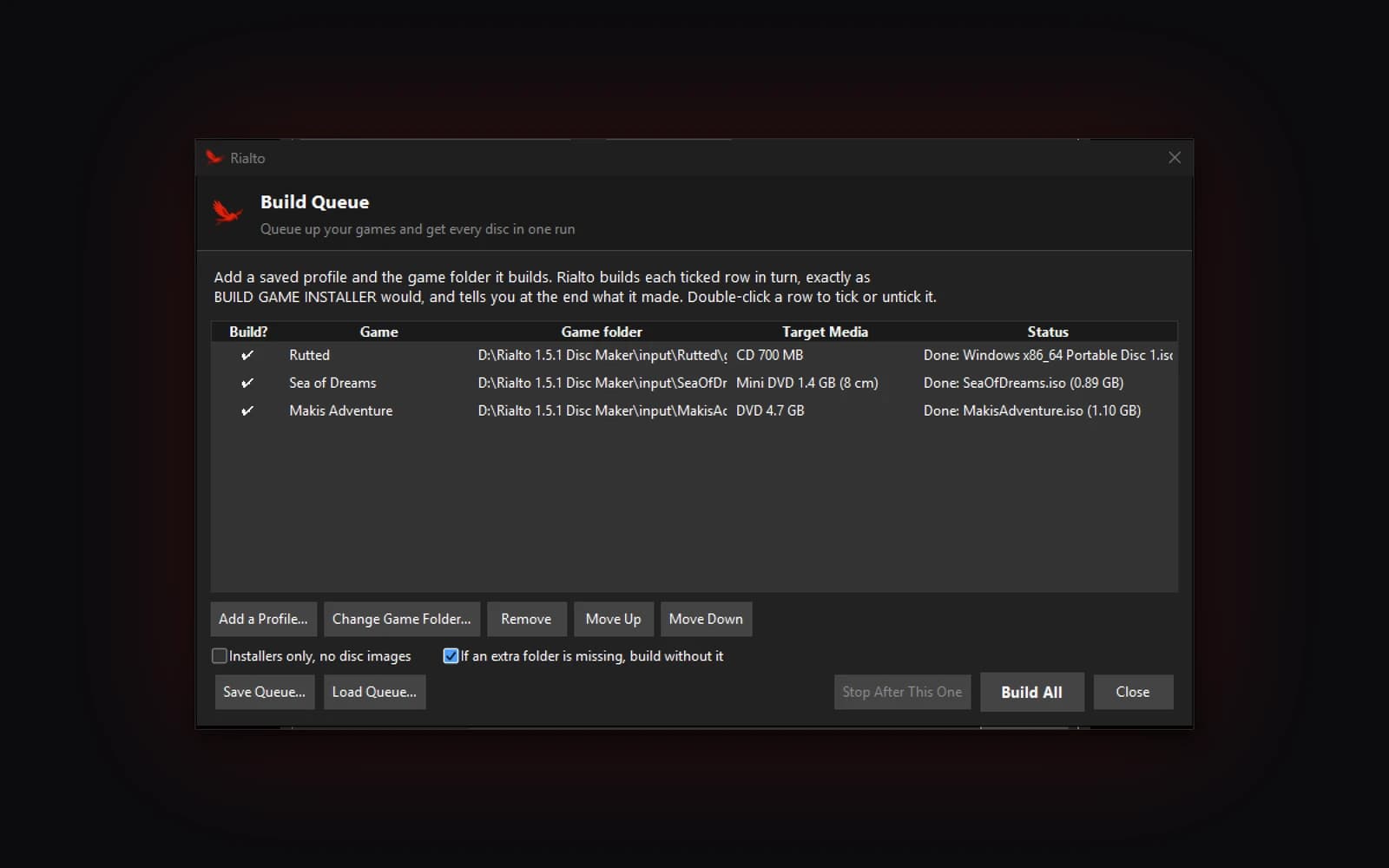
Build Queue
Queue up as many games as you like and get every disc in one run.
New in 1.5.1
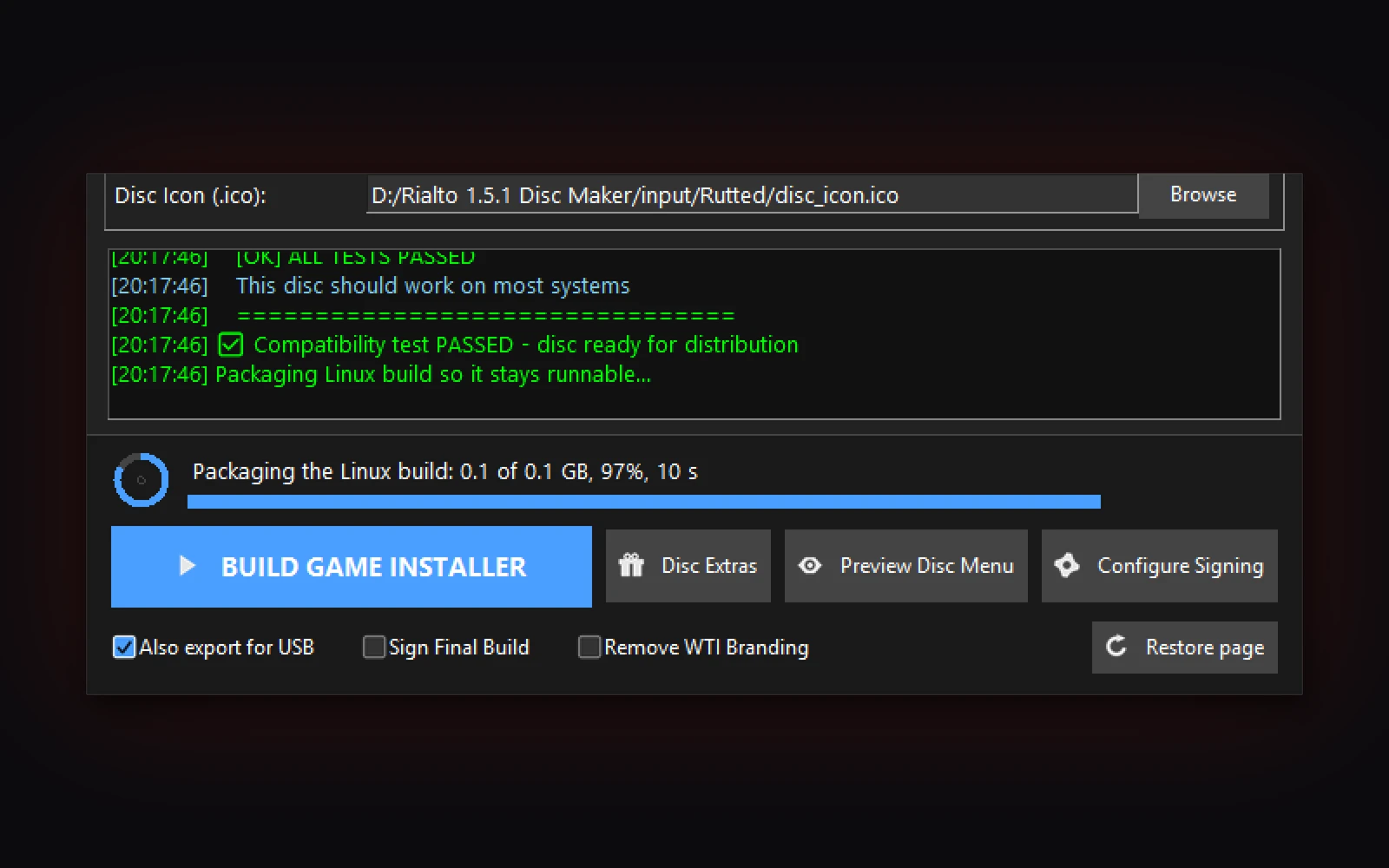
A build you can watch
A live line shows what Rialto is doing, how far along it is and how long it has taken. No black command window.
New in 1.5.1
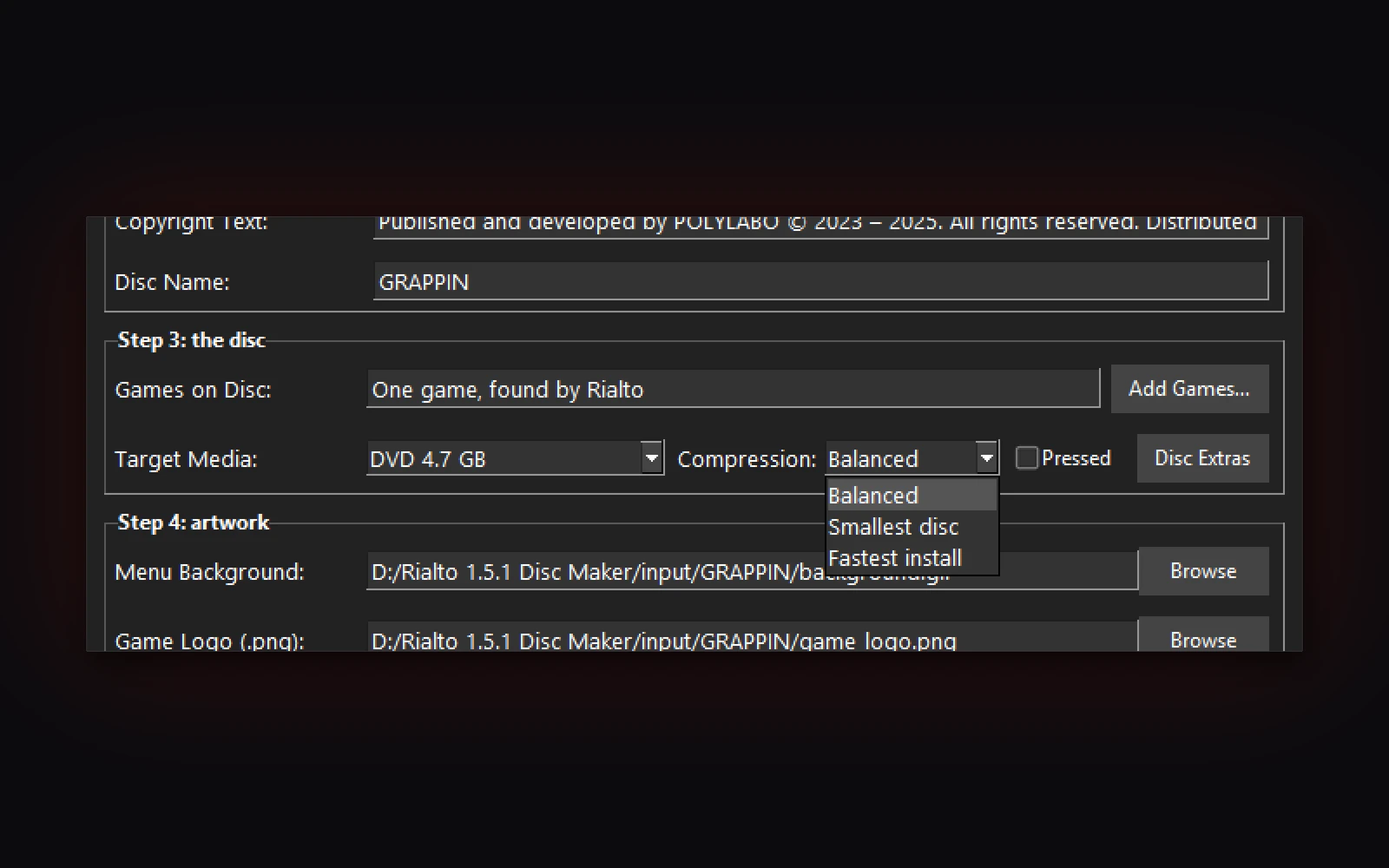
Compression you pick
Balanced, Smallest disc or Fastest install. Balanced is what every disc used before.
New in 1.5.1
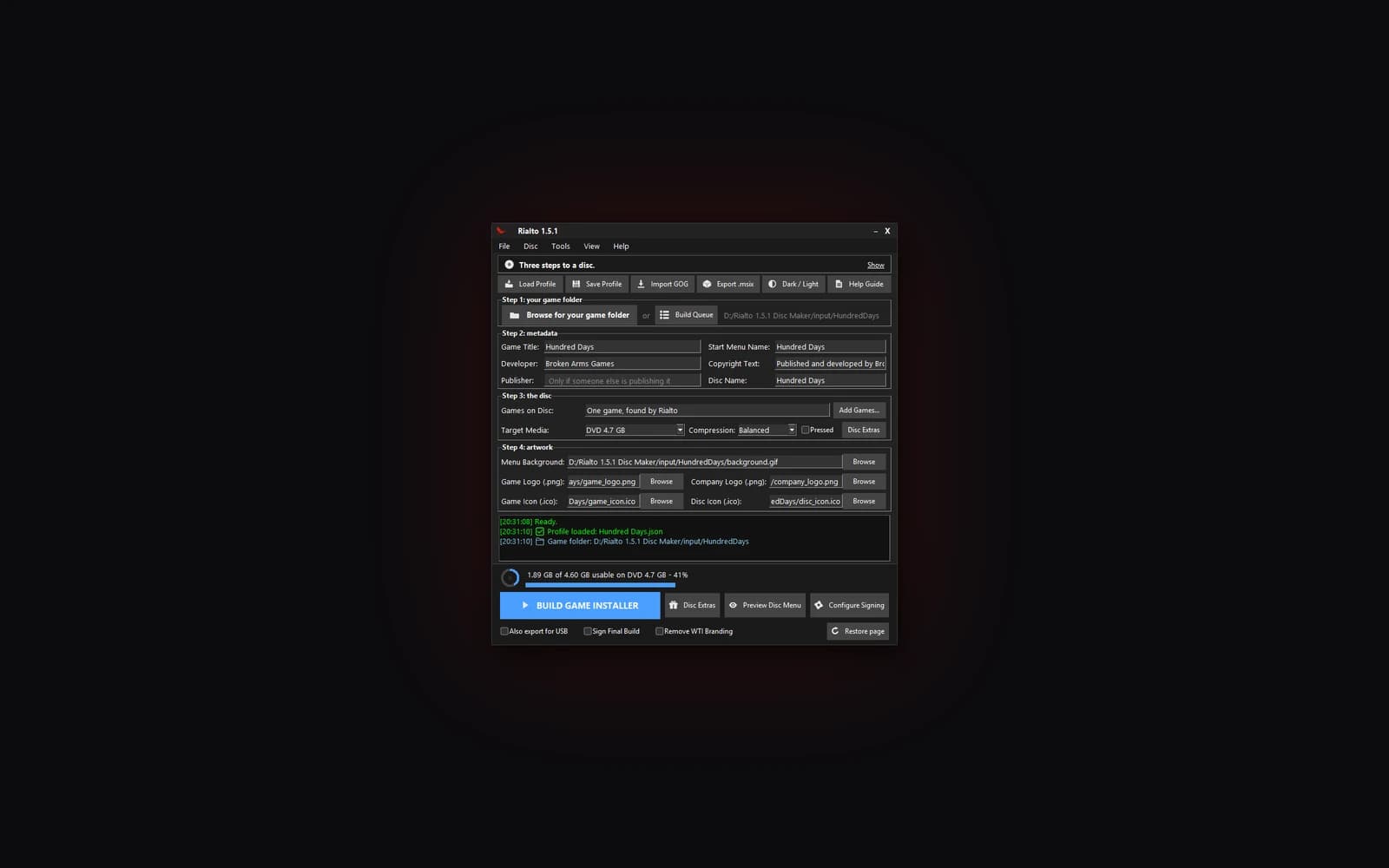
Fits a laptop screen
On a small screen, the window tightens up instead of running off the bottom.
New in 1.5.1
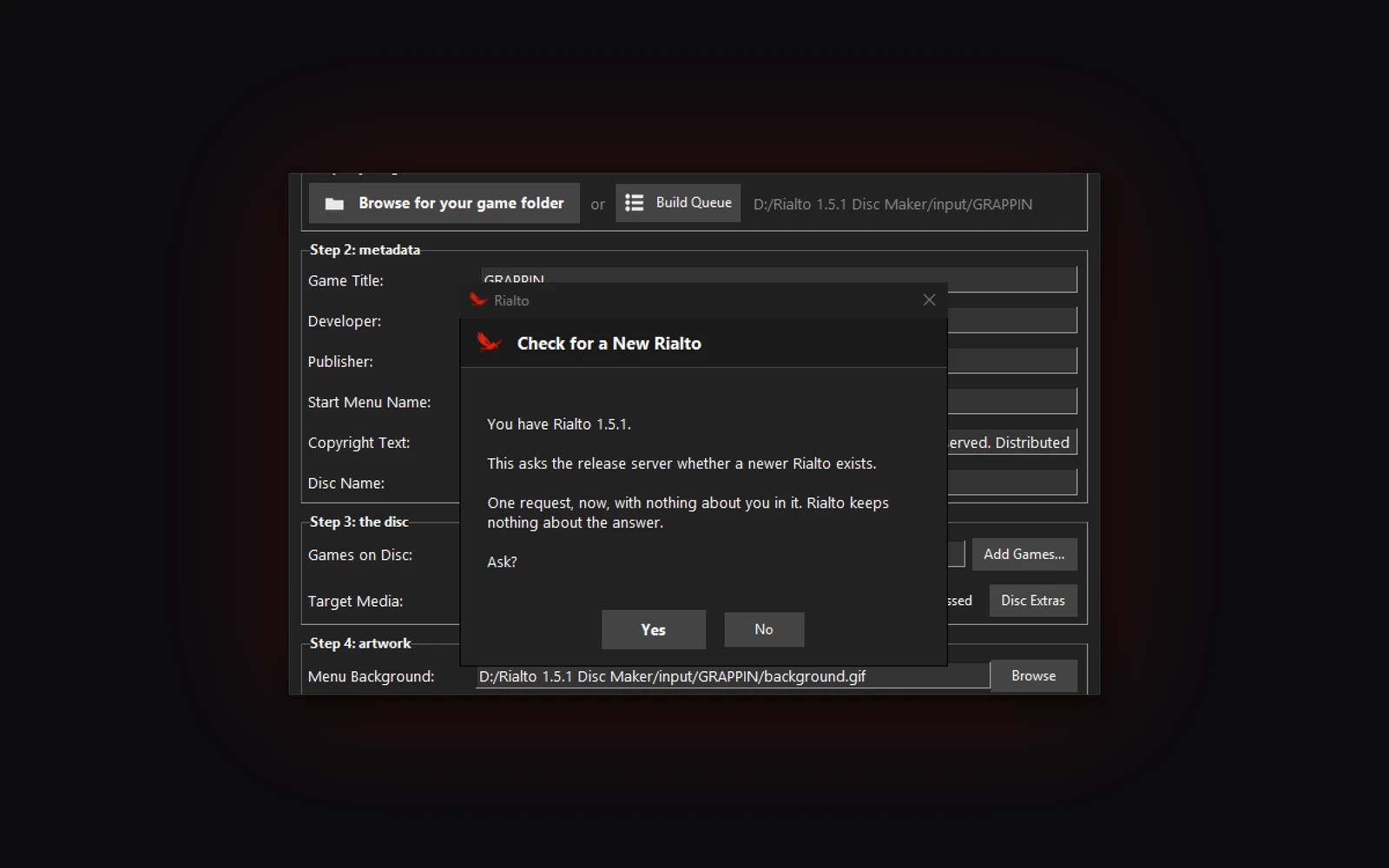
Updates in one click
Help, Check for a New Rialto tells you when a new version is out and downloads it.
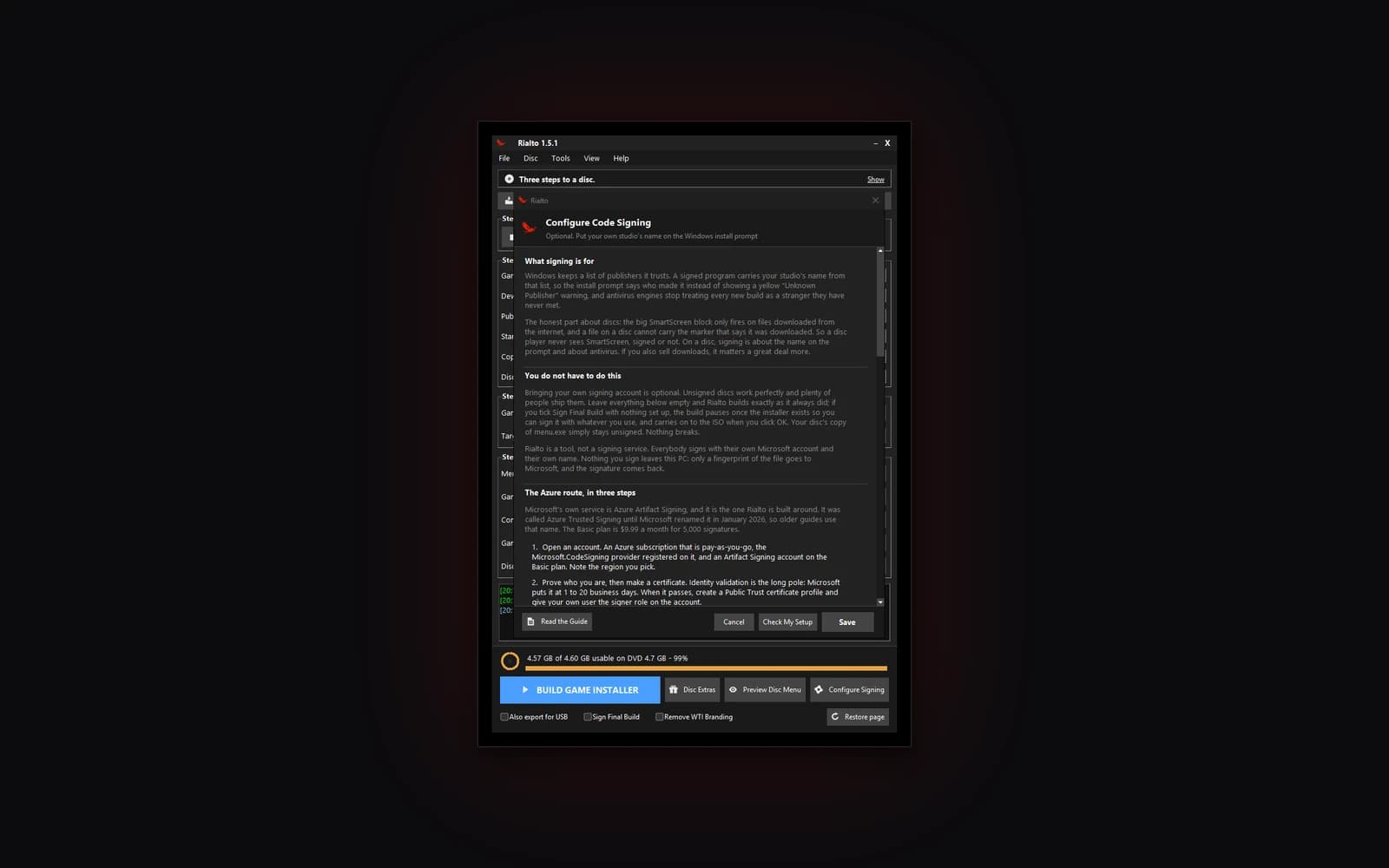
Bring your own key
Sign with your own Azure Artifact Signing account and tick Remove WTI Branding, and the disc wears your name. Azure charges for signing. Without it, Windows identifies the installer as unsigned.
A real installer for every game
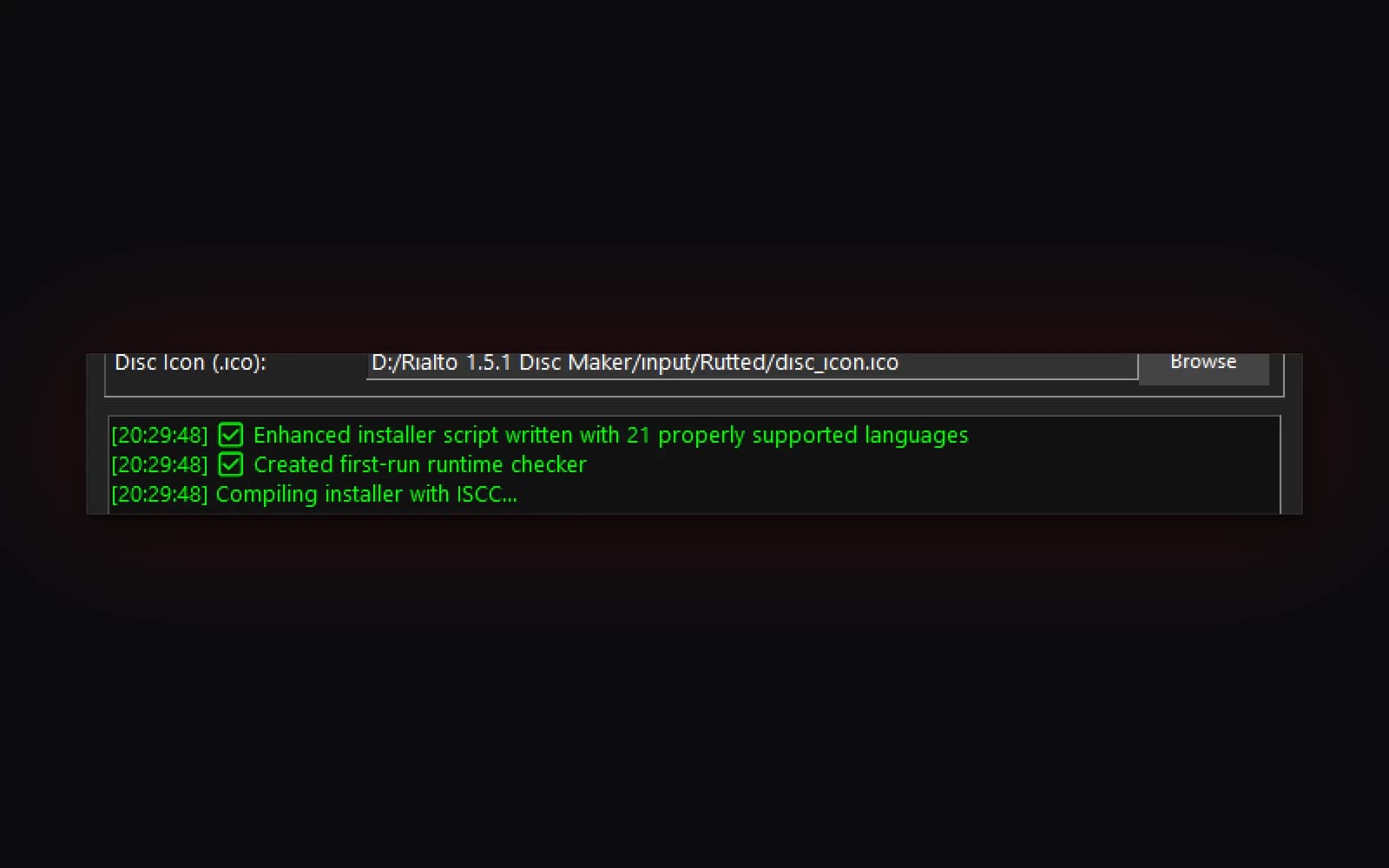
A Start menu entry and an uninstaller, in 21 languages.
USB sticks too
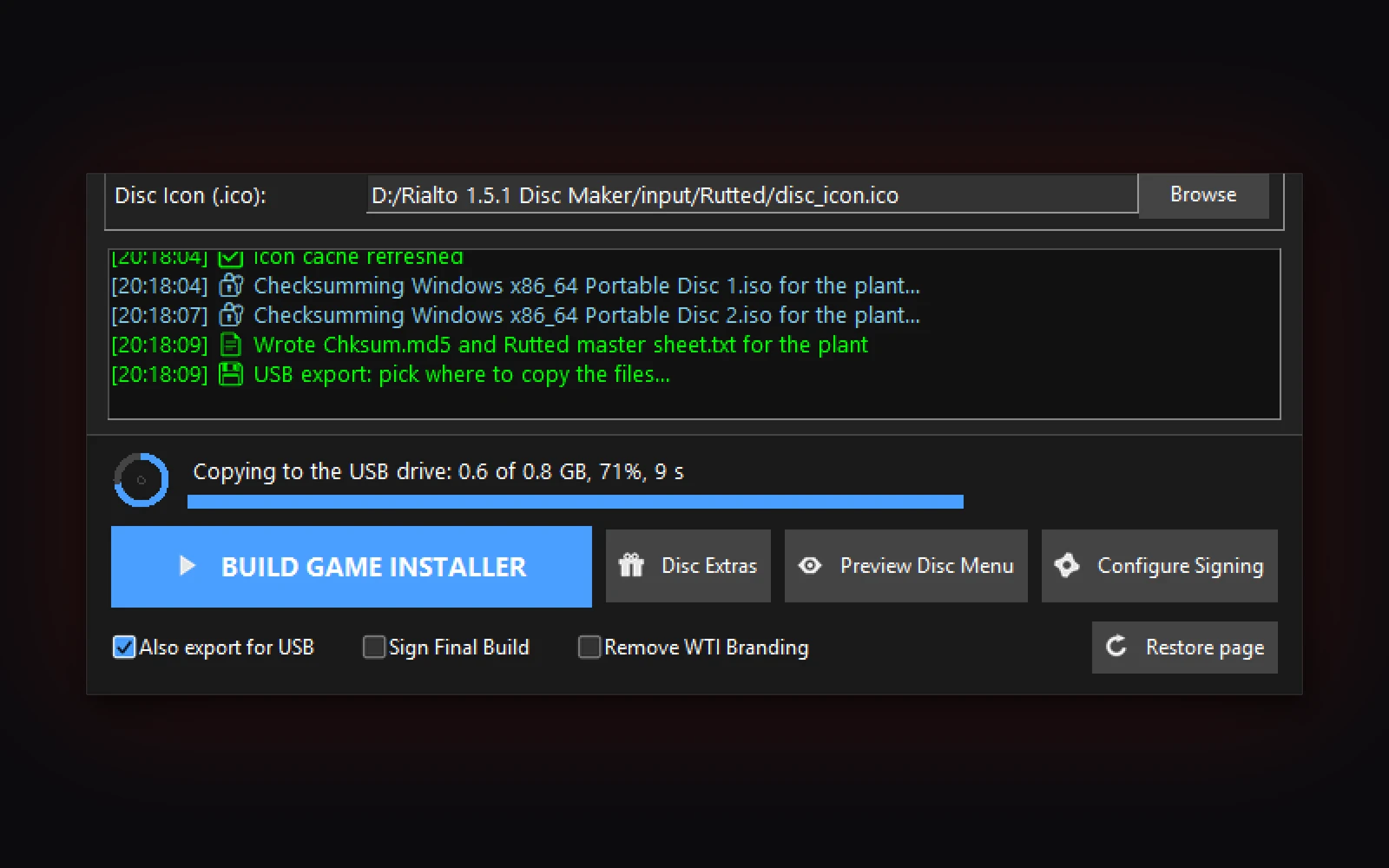
Tick one box. A Start Here file does the job autorun cannot.
Multi-disc sets
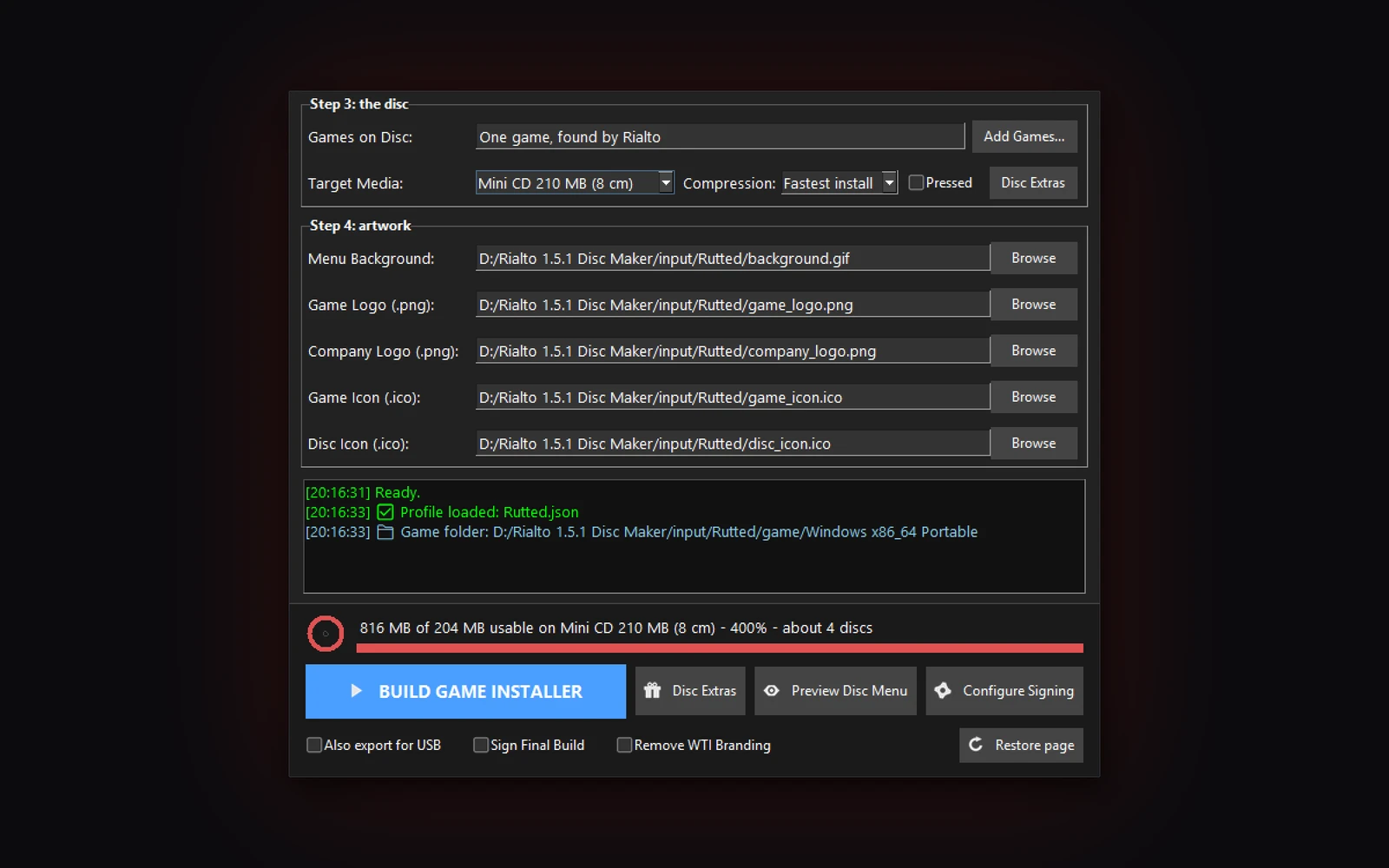
Too big for one disc? Rialto splits the game across discs, and the player swaps when Setup asks.
Add to Steam
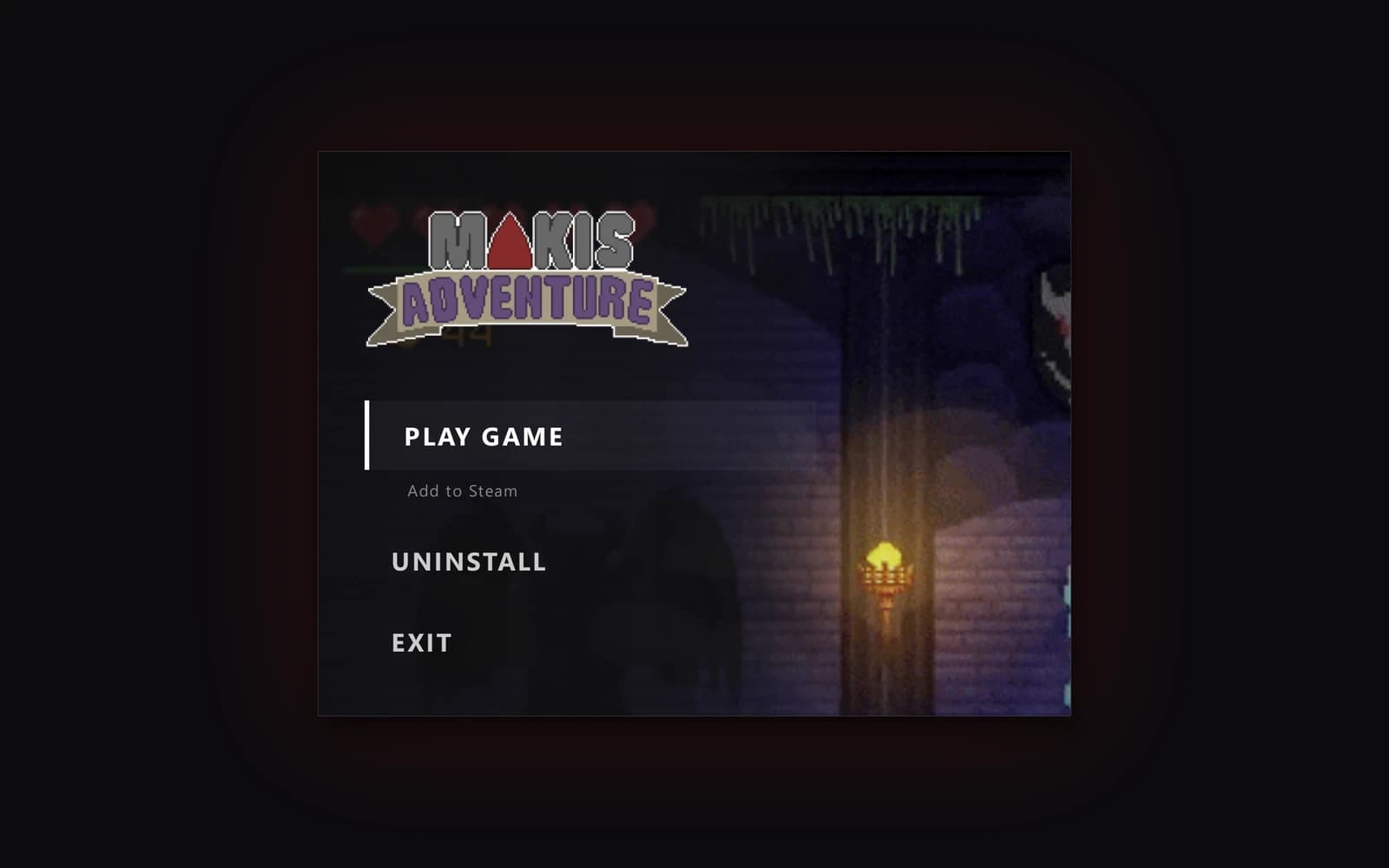
After install, one click puts the game in a player's Steam library, art and all.
What it will not do
Sign for you
Signing uses your own Azure Artifact Signing account, which Azure charges for. Your game files stay on your PC. Without it, the installer is unsigned.
Need the internet to play
A disc this window writes plays without an account or a server. A game update, if one ever comes, is the player's choice on the disc menu.
Press a Blu-ray
Pressing is for CD and DVD. A Blu-ray from Rialto is one you write yourself.
Requirements
- Windows
- 10 or 11, 64-bit
- Nothing else to install
- Inno Setup and the disc image tool come with Rialto.
- Python
- Only if you run from source. 3.9 or newer.
- The manual
- Three printable sheets, in the app under Help
Or let us make the disc for you.
Use Rialto yourself, free. Or send us the files and the art and we make a copy by hand every time someone orders one, ship the copy, and pay you per sale. No minimums.
Questions we get
- Which download should I pick?
- Either. Download Rialto 1.5.1 gets it from our site. Download from GitHub gets the same file from GitHub, with the release notes, the source and a portable zip.
- Do I need anything else?
- No. Download, install, open. No administrator prompt.
- Is there a version that does not install?
- Yes, the zip on GitHub. Unzip the whole folder somewhere you can write to, not Program Files, and open Rialto.exe.
- Will the discs work on older Windows PCs?
- Rialto needs Windows 10 or 11. On a player's Windows 7 or 8 PC, the game's shortcuts go straight to the game, since the disc menu needs Windows 8.1 or newer.
- Windows paused on the download. Is it safe?
- Windows SmartScreen can pause a new download while it builds a reputation. Check the file's SHA-256 against the one under the download button, then choose More info.
- Where is the source?
- On GitHub, under the MIT license. Rialto never uploads your game.
Rialto Disc Maker, again
- Windows 10 and 11, 64-bit
- 74 MB
- Nothing else to install
Or on GitHub:
The GitHub page has the release notes, the source and a portable zip.